How to Create Google Ads Account

7 steps easy process without any configuration

Create Google Ads Account

Step 2

Click “Get Started” at the top right

Step 3

Enter Your Business Name and click "Next"
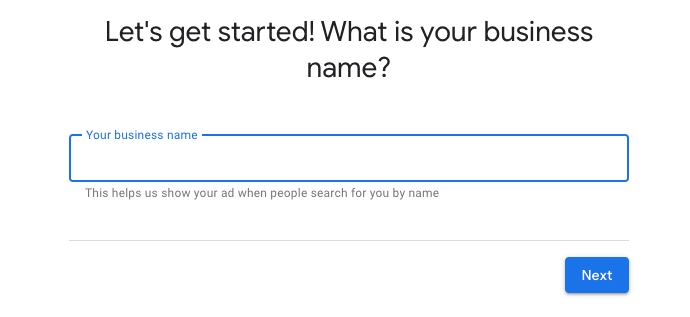
Enter Business Name to create Google Ads Account

Step 4

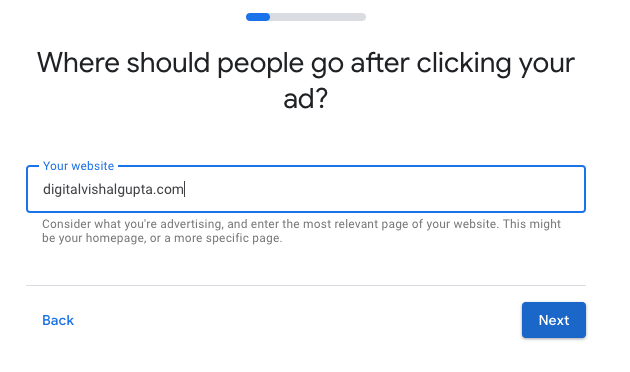
Enter your website URL

Enter Website URL to create Google Ad account

Step 5

Click on "Switch to Expert Mode" at the bottom
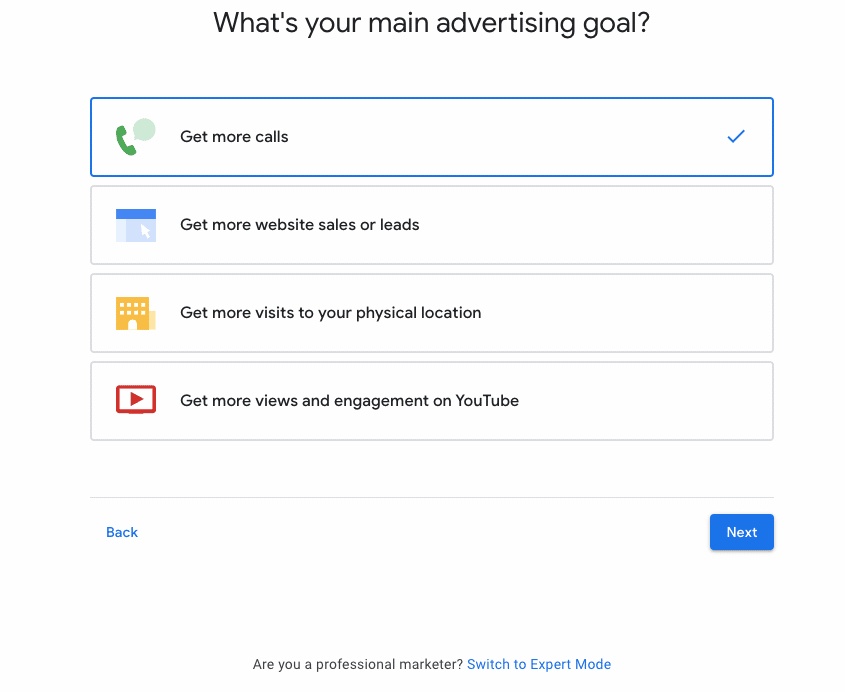
Switch to expert mode in Google Ads Account

Step 6

Click Create an account without a campaign

Step 7

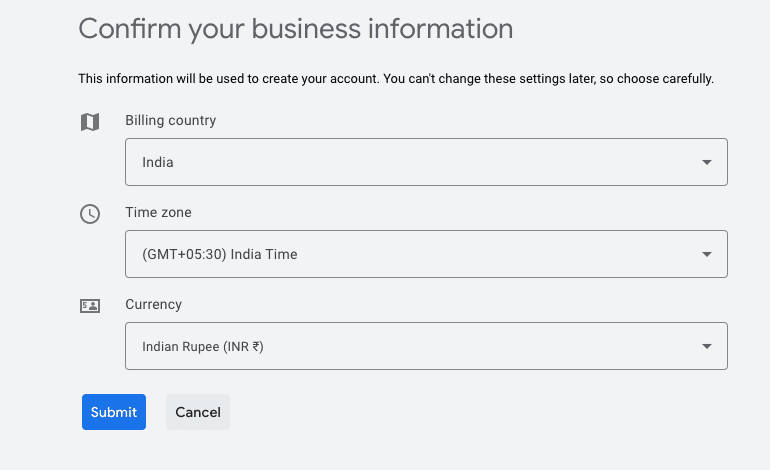
Confirm Billing options

Confirm Billing options while creating Google Ads Account

Do remember, these settings won't change. So, carefully think as per which timezone you want the reports to be created in Google Ad Platform.

Congratulations
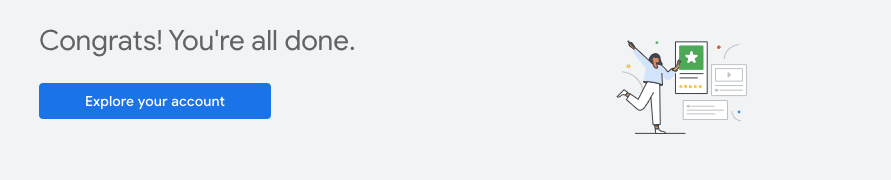
Google Ads account created